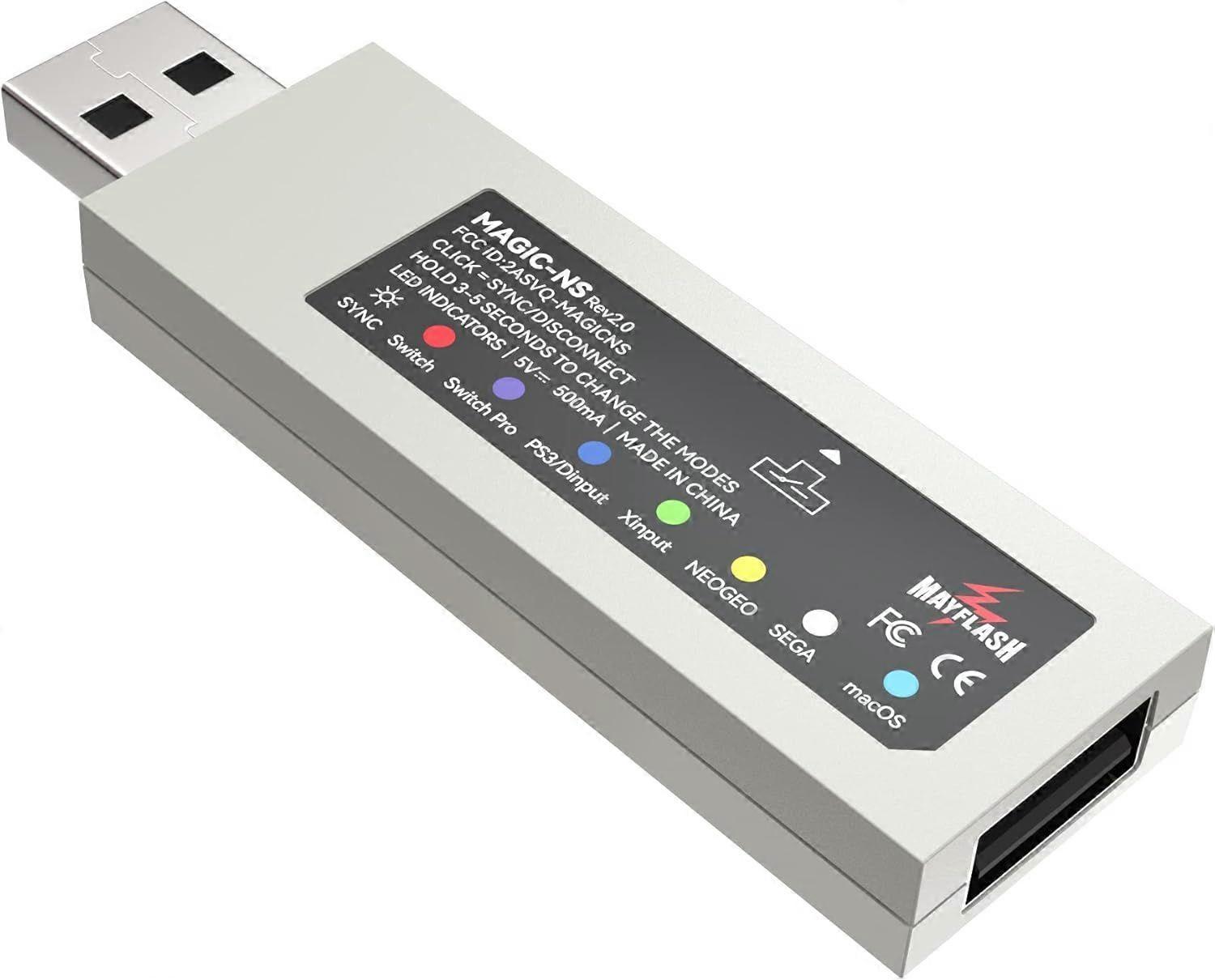
Mayflash Magic-NS Wireless Controller Adaptor Compatible with NeoGeo Mini (Nintendo Switch/PC) Rev1.2
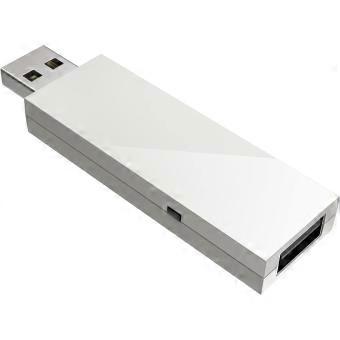
31 090,00 Ft
+ 4 449,00 Ft szállítási költség

Mayflash Magic-NS Wireless Controller Adaptor Compatible with NeoGeo Mini (Nintendo Switch/PC) Rev1.2
Értékesítő:

31 090,00 Ft

Megtakarítás 38 180,00 Ft (57%)

RRP

69 270,00 Ft
Készleten
+ 4 449,00 Ft szállítási költség

14 napos visszaküldési szabályzat

Vásárlóvédelem

Fizetési módok:

  • Márka: Unbranded

Termékadatok

Termékadatok

Mayflash Magic-NS Wireless Controller Adaptor Compatible with NeoGeo Mini (Nintendo Switch/PC) Rev1.2
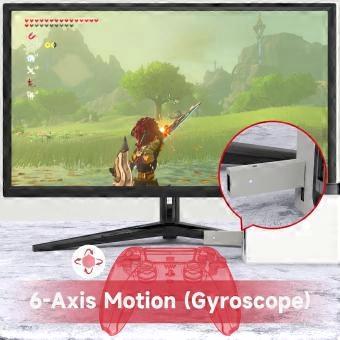
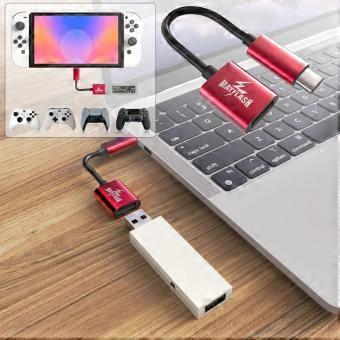
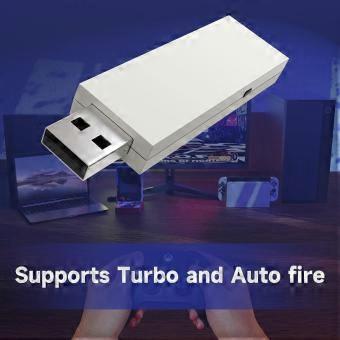
Product Description System Compatibility Switch . PlayStation 3 . Windows . NEOGEO mini . PS Classic . SNK NEOGEO Arcade Stick PRO Controller Compatibility Bluetooth Controllers: PS5 Dualsense Controller, DualShock 3, DualShock 4, DualShock 4 Pro, Wiimote, Wii U Pro, Switch Joy-Cons, Switch Pro Wired USB Controllers: The wireless controller that comes from your console will become a wired controller by simply connecting a standard USB cable. For best results, it is recommended that you use original Switch Controllers, or genuine Xbox or PlayStation controllers and quality USB cables. Special Features DualShock 4 supports the vibration and 6-axis gyroscope input. PC X-input mode supports the vibration. Vibration intensity can be adjusted. 7 levels of the vibration intensity. The buttons A, B, X, Y can be exchanged. Lag – free. Customized high quality USB Type-C Cable included. Update to latest firmware. MAGIC-NS 1 does not support Xbox Bluetooth Controllers. If you want to use Xbox Bluetooth Controllers on Switch please purchase MAGIC-NS 2. Dimensions and Weight Magic NS Adapter . USB Type C Cable . Buttons Sticker . Manual LED Indicators USB Port and the Button on the side USB A-Female: Connect the wired PS5,PS4,PS3,Switch Pro, XboxOne/S, Xbox Series X/S, Xbox 360 controllers and fightsticks,and standard wired USB controllers to the adapter. Button on the side of the adapter: Used for the modes switching and Bluetooth pairing LED Indicator There are six colors of this LED indicator to show six different working modes. LED Indicators and Modes LED Indicator in Blue: PS3 or PC Dinput System mode LED Indicator in Red:Switch System mode LED Indicator in Green: PC Xinput System mode LED Indicator in Purple:Switch Pro mode LED Indicator in Yellow: NEOGEO mini mode LED Indicator in Cyan: PS Classic mode Bluetooth Controllers Set Up 1. Connect the adapter into any spare USB port on your game console. 2. To switch the modes, press and hold the button on the side of the adapter for 3-5 seconds. The LED indicator blinks slowly. 3. Turn on the Bluetooth controller, press the button on the side of the adapter, and then press the SYNC button on your Bluetooth controller. The LED indicator blinks quickly. 4. LED indicator becomes solid when connection is successful. Only one Bluetooth controller is supported for one adapter. You can connect two or more controllers with two or more adapters by a HUB. (A HUB is not included in the packaging) Packaging Includes MAGIC-NS 1 MAGIC-NS 2 MAGIC-NS Lite Add To Basket Customer Reviews 4.4 out of 5 stars 8,758 4.4 out of 5 stars 1,038 4.2 out of 5 stars 143 £15.96 £ 15 . 96 £21.99 £ 21 . 99 — no data Switch . Switch OLED. Windows . Raspberry Pi. macOS . PlayStation 3. NEOGEO mini . SNK NEOGEO Arcade Stick PRO . SEGA Genesis Mini . SEGA Mega Drive Mini . Sega Astro City Mini Switch . Switch OLED. Windows . Raspberry Pi. macOS . PlayStation 3. NEOGEO mini . SNK NEOGEO Arcade Stick PRO . SEGA Genesis Mini . SEGA Mega Drive Mini . Sega Astro City Mini Switch . Switch OLED. Windows . Raspberry Pi. macOS . PlayStation 3. NEOGEO mini . SNK NEOGEO Arcade Stick PRO . SEGA Genesis Mini . SEGA Mega Drive Mini . Sega Astro City Mini Bluetooth Controller Compatibility DualSense, DualShock 4, DualShock 3, Switch Pro, Switch Joy-Con, Wii Remote, Wii U Pro, Switch Joy-Cons, Switch Pro.(Not compatible with Xbox Bluetooth Controllers) DualSense, DualShock 4, DualShock 3, Xbox Series X/S, Xbox One Bluetooth controllers, Xbox Elite Wireless Controller Series 2, Switch Pro, Switch Joy-Con, Wii Remote, Wii U Pro. DualSense, DualShock 4, Xbox Series X/S, Xbox One Bluetooth controllers, Xbox Elite Wireless Controller Series 2, Switch Pro, Switch Joy-Con, Wii Remote, Wii U Pro.(Not compatible with DualShock 3) DualShock 3 Wired USB Controllers A USB Type C Cable included Using Headsets on Switch Vibration Intensity Modifying Dead Zone Adjusting
  • Fruugo azonosító: 557796753-1126199228
  • EAN: 730737880865
Ígéret

Eladói garancia

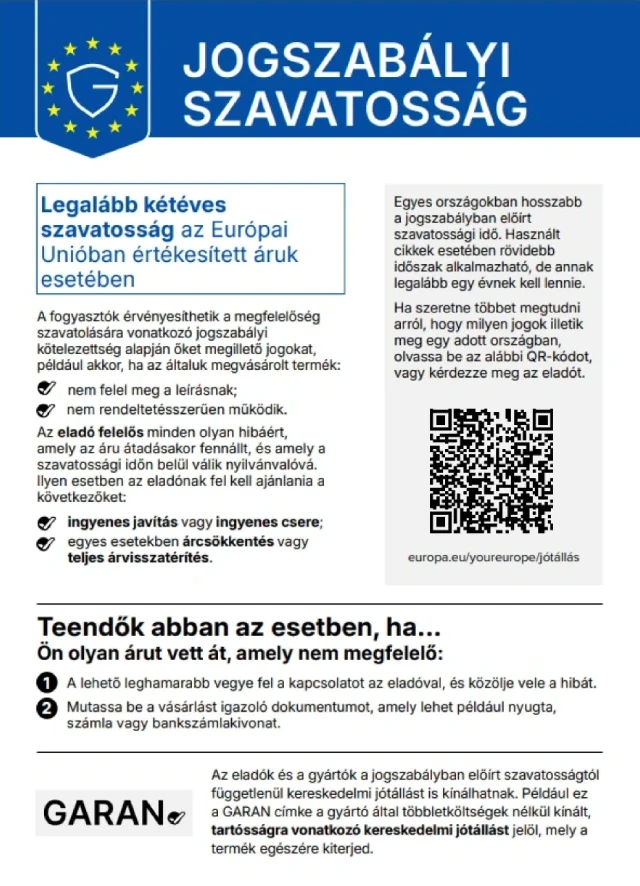
2 év jogi garancia benne foglaltatik

Az EU-s fogyasztói jogai közé tartozik egy legalább 2 éves ingyenes jogi garancia

Megfelelőségi jogi garancia letöltése
Biztonság

Termékbiztonsági információk

Kérjük, olvassa el a termékre vonatkozó biztonsági információkat az alábbiakban

Az alábbi információkat a terméket értékesítő független, harmadik fél kiskereskedő biztosítja.

Termékbiztonsági címkék

CE Mark
Biztonsági figyelmeztetések: WARNING! TO AVOID DANGER OF SUFFOCATION,KEEP AWAY FROM BABIES ANDCHILDREN. DO NOT USE IN CRIBS/BEDSOR PLAY PENS.THIS BAG IS NOT ATOY.
Hozzávalók: Octinoxate 5.4758%
Gyártói cikkszám: XE202627
Modellszám: XE199530
Sorozatszám: XE062027
Tételszám: XE196638

Szállítás

Szállítás

Kiküldés 3 napon belül

  • STANDARD: 6 755,00 Ft - közötti szállítás K 24 november 2026–Sze 02 december 2026

Szállítás innen: Kína.

Visszaküldés

Visszaküldés és lemondás

Visszaküldés

Minden tőlünk telhetőt megteszünk annak biztosítására, hogy rendelését hiánytalanul és előírásainknak megfelelően szállítás ki önnek. Viszont ha egy hiányos rendelést kap, vagy eltér a megrendelttől, vagy bármilyen más okból nem elégedett a rendeléssel, akkor visszaküldheti a rendelést vagy a rendelésben lévő bármely terméket, és visszatérítik a termék árának teljes összegét.

Teljes visszaküldési irányelvek megtekintése.

Lemondások

Jogod van elállni a vásárlástól a rendelés kézhezvételétől számított 14 napon belül indoklás nélkül. A jogod egyszerű gyakorlásához használd a „Rendelés lemondása” linket minden oldal láblécében, vagy a Fruugo fiókodban a „Rendelések” alatt. Miután gyakoroltad az elállási jogodat, e-mailben visszaigazolást küldünk neked. Ha a rendelésedet a kiskereskedő már kiszállította, megadjuk a szükséges visszaküldési utasításokat, hogy a visszatérítést mihamarabb feldolgozzuk.

A teljes lemondási szabályzat megtekintése