6 890,00 Ft
+ 2 949,00 Ft szállítási költség

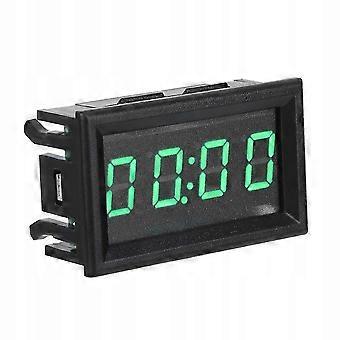
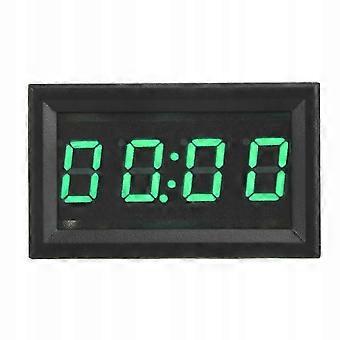
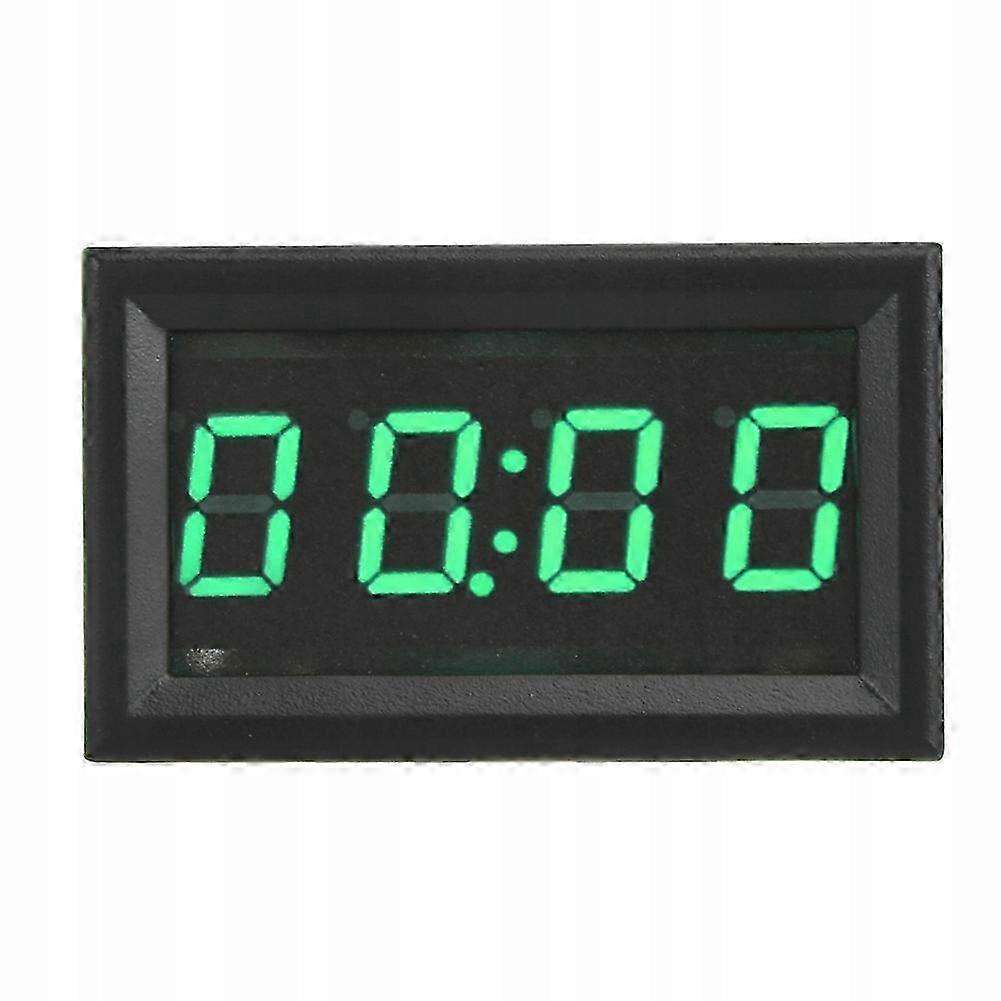
Digital Led Car Watch Green

  • Márka: Unbranded
Értékesítő:

Digital Led Car Watch Green

  • Márka: Unbranded

6 890,00 Ft

Megtakarítás 4 600,00 Ft (40%)

RRP

11 490,00 Ft
Készleten
+ 2 949,00 Ft szállítási költség
Értékesítő:

6 890,00 Ft

Megtakarítás 4 600,00 Ft (40%)

RRP

11 490,00 Ft
Készleten
+ 2 949,00 Ft szállítási költség

A következő fizetési módokat fogadjuk el

Leírás

Digital Led Car Watch Green

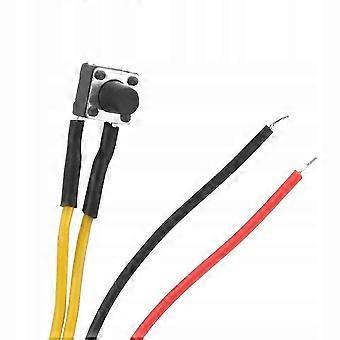
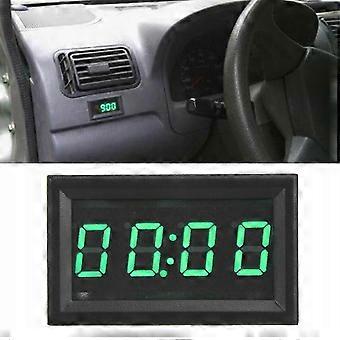
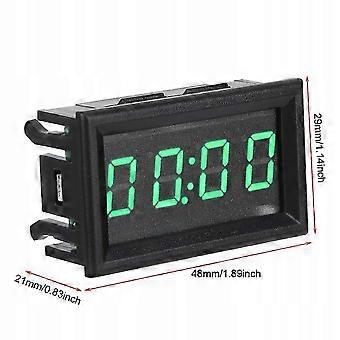
LED Electronic Digital Glowing Car Watch Clock Accessory Decoration (Green) Characteristic: 1. Digital LED clock with light function, super bright, easy to read at night. Made of good quality materials, sturdy, durable and wear-resistant. 2. The large LED screen clearly displays hours, minutes, seconds, date and timer function. 3. Universal, suitable for most cars. 4. Beautiful and stylish, instantly enhance the look of your car. 5. It is widely used in equipment and automobiles, boats, airplanes, etc. 4,5-30V input voltage, practical and easy to use. Specification: Material: ABS Optional Color: Green Input Voltage: 4,5-30 V (Wide Range) Backup battery: CR1220 (clock backup power supply, can work more than 12 months without power supply) Operating current: Length of power and key cable: andgt 120 mm Min. Supply Voltage: 4,5 V Memory clock speed Supply Voltage: 30V Operating Temperature: -10-65 Operating Humidity: 10-80 percent (non-condensing) Operating pressure: 80 - 106 kPa Exposure to sunlight: No direct exposure Size: approx. 48x29x21mm or 1,89x1,14x0,83 inch List of things to pack: 1 x Digital Car Clock User manual: Load the CR1220 button battery into the battery holder according to the “upward positive, downward negative” direction. ) If equipped with batteries, the clock will work even if it is not connected to the power supply. Connect it to a power source according to the “red positive black negative” method and it will display 0:00. Key switch order: hour-minute mode - second mode - date mode - timer mode Second mode: In time mode, press the key once and the second time it will display in XX format. It will automatically return to time and minute mode after 30 seconds without pressing a button. Date mode: Double-tap the key in time mode and the second one will be displayed in the format: Month: Date. After 30 seconds, it will automatically return to time and minutes mode. Timer mode: In time mode, press the key three times and the second one will be displayed in the format: 00:.00. If the timer is not running, after 30 seconds without pressing the button, it will automatically return to time and minutes mode. Press and hold the key to start the countdown in timer mode, and the dot under the colon will flash. Long press the key again to pause the countdown. The dot under the colon is always on and does not flash. Press and hold it again to start collecting time again. Timing reset method: External red and black lines turn off, press and hold the key for about 5 seconds. Press the button in timer mode to switch to hour and minute mode and display the date and seconds. Setting the time: In hour, minute or second mode, long press the key until the number of “hours” flashes, which means entering the hourly time setting, and then press the key again to set the time. After setting the time, long press the key until the number of “minutes” flashes, which means entering the minute setting. Press the button repeatedly to set the minutes. After setting the minutes, long press the key until the number of “seconds” begins to flash, which means entering the second setting. Press once to clean, long press will exit the time setting mode and save the set time. When setting the time, the time setting mode will be automatically turned off after 30 seconds without pressing the button. Setting the date: In date mode, press and hold the button until the “year” starts flashing, which means going into settings mode. Press the button again and again to set the year. Press and hold the button until the number “month” flashes, which means you need to enter the month settings. Press the button again and again to set the month. After setting the month, press and hold the button until the number of “day” flashes, indicating that you need to enter the day settings, and then press the button again and again to set the day. When the adjustment is complete, long press the button to exit the date setting mode and save it. When setting the date, it will automatically leave the setting mode after 30 seconds without pressing the button.
  • Fruugo azonosító: 440849655-925168261
  • EAN: 8725353175954

Termékbiztonsági információk

Kérjük, olvassa el a termékre vonatkozó biztonsági információkat az alábbiakban

Az alábbi információkat a terméket értékesítő független, harmadik fél kiskereskedő biztosítja.

Termékbiztonsági címkék

CE Mark

Kiszállítás és visszaküldés

Kiküldés 2 napon belül

  • STANDARD: 2 949,00 Ft - közötti szállítás H 22 december 2025–H 29 december 2025

Szállítás innen: Kína.

Minden tőlünk telhetőt megteszünk annak biztosítására, hogy rendelését hiánytalanul és előírásainknak megfelelően szállítás ki önnek. Viszont ha egy hiányos rendelést kap, vagy eltér a megrendelttől, vagy bármilyen más okból nem elégedett a rendeléssel, akkor visszaküldheti a rendelést vagy a rendelésben lévő bármely terméket, és visszatérítik a termék árának teljes összegét. Teljes visszaküldési irányelvek megtekintése.

Termékmegfelelőségi részletek

Kérjük, tekintse meg a termékre vonatkozó megfelelőségi információkat az alábbiakban.

Az alábbi információkat a terméket értékesítő független, harmadik fél kiskereskedő biztosítja.

Gyártó:
Az alábbiakban olvashatók a Fruugo platformján értékesített releváns termék gyártójának elérhetőségei.

  • BloomNest
  • Putian Licheng District Guoyanyan Trading Co., LTD
  • Room 1501, 1st Floor, Building 5, Puban Jixiang Community, No. 2399, Hugong West Road, Xindu Town, Licheng District, Putian City, Fujian Province
  • Putian
  • CN
  • 351100
  • yizhi22@hotmail.com
  • 15578957008

Felelős személy az EU-ban:
Az alábbiakban olvashatók az Európai Unióban kijelölt felelős személy elérhetőségei. A felelős személy az az Európai Unióban székhellyel rendelkező gazdasági társaság, amely az Európai Unióban eladott releváns termékekhez kapcsolódó megfelelőségi kötelezettségekért felel.

  • Jean Luc
  • In Memoria Futuri SAS
  • 3 RUE DU PAS DE LA MULE 75004 PARIS
  • Paris
  • France
  • 75004
  • infoapexchen@gmail.com
  • 33745713901